
A Tusivo app
Accounting Beta Windows 10 and 11
Ledjoro: accounting you own.
Free, open-source accounting for small businesses. Invoices, bills, bank reconciliation, sales tax and reports, with your books kept in a file on your own computer. An alternative to QuickBooks, with no subscription and no account.
Free. About 90 MB. No installer: you just run the file. Open source: github.com/Tusivo/Ledjoro
What it does
Sell and buy
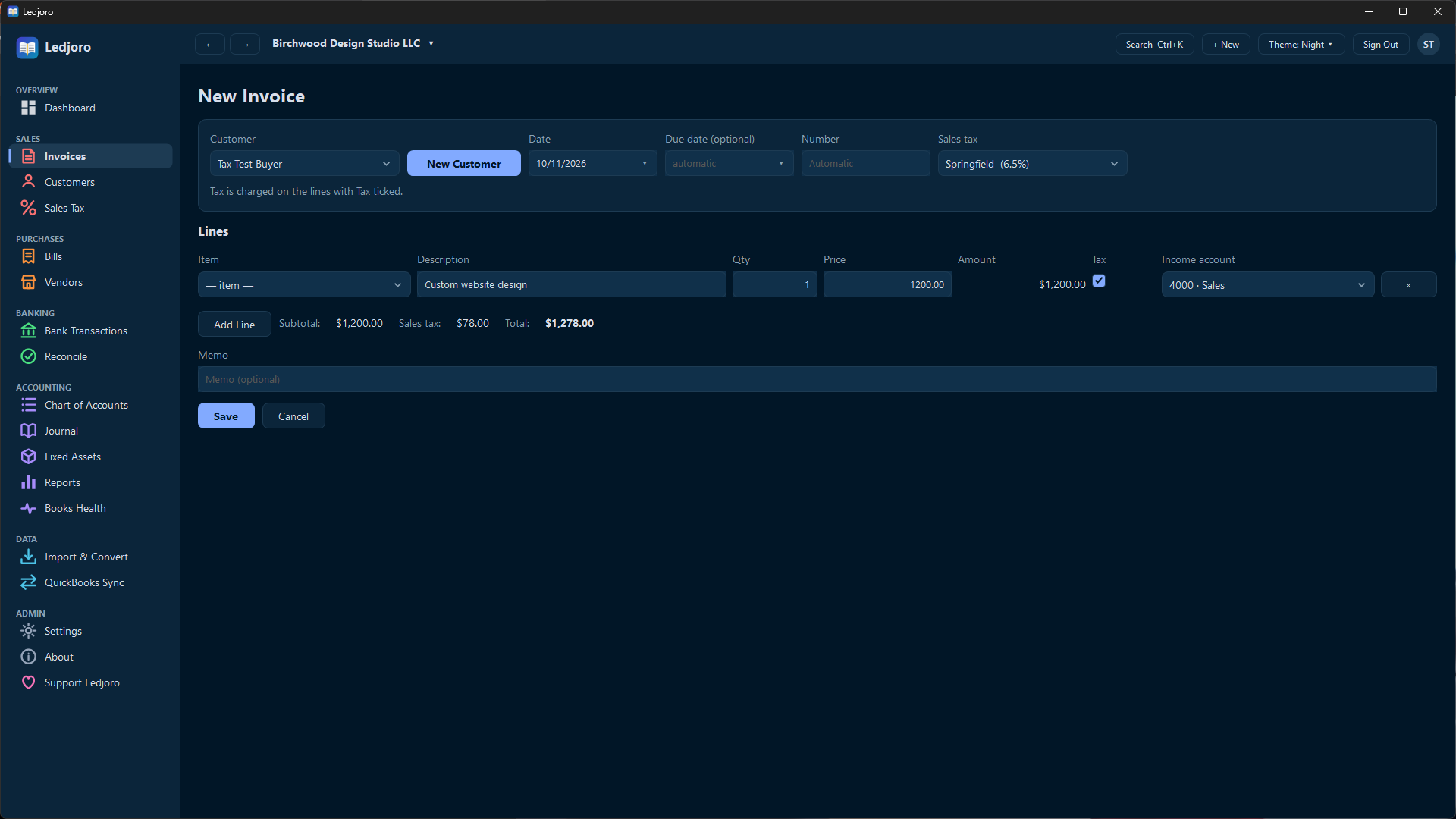
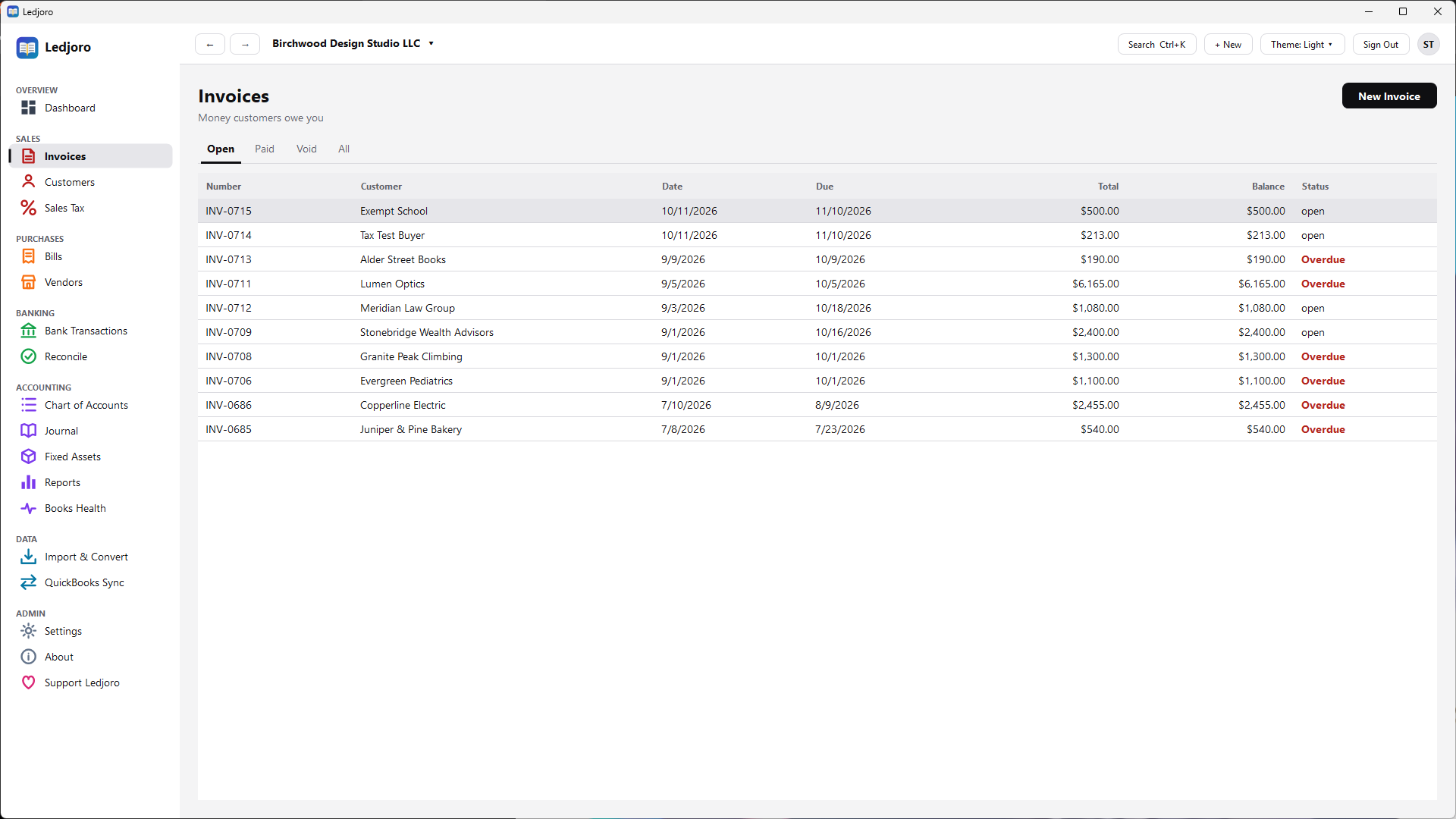
- Invoices and bills, customers and vendors, with a list of your items
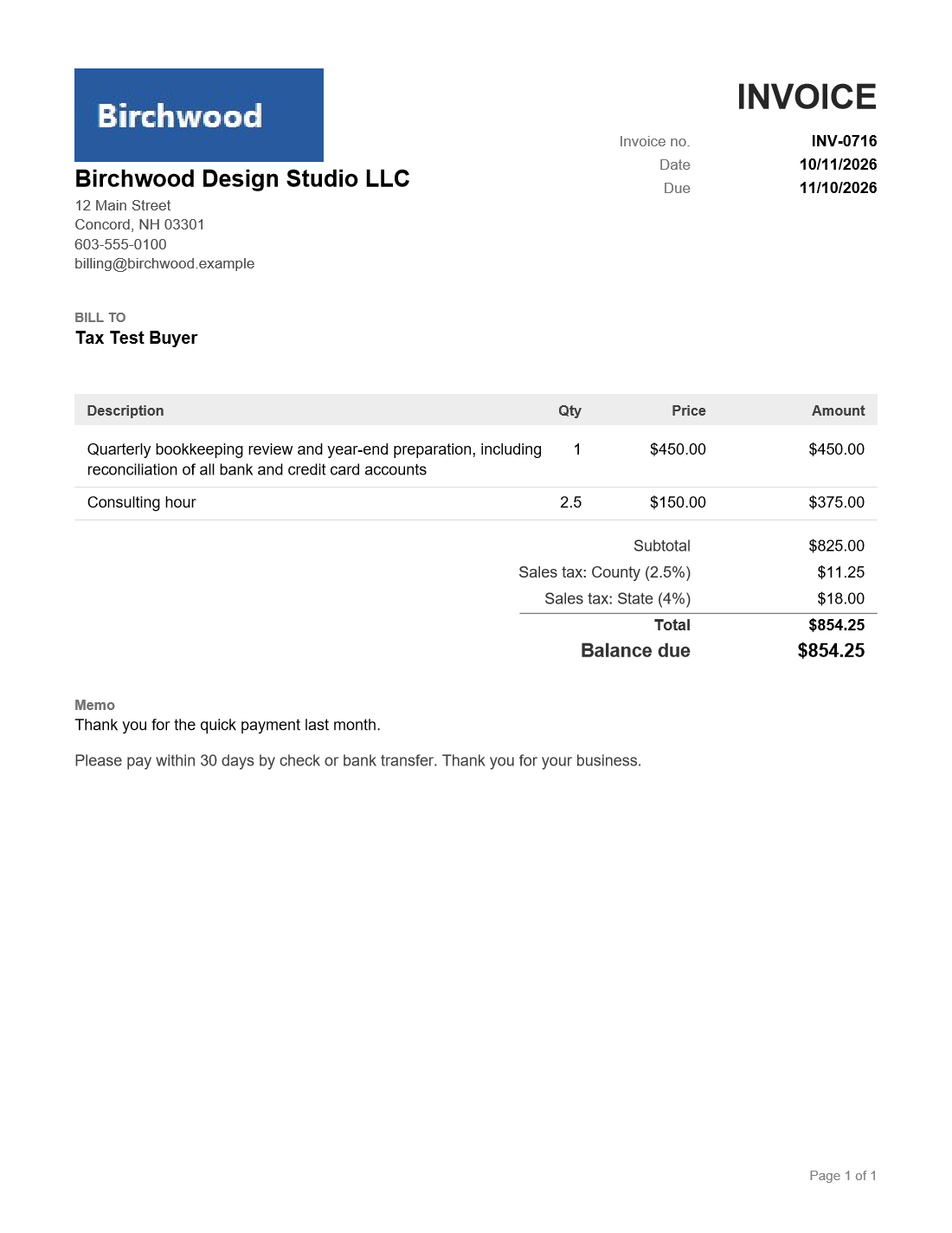
- Save invoices as PDFs with your logo, and email them from your own mail program
- Credit memos and refunds; copy or correct an invoice
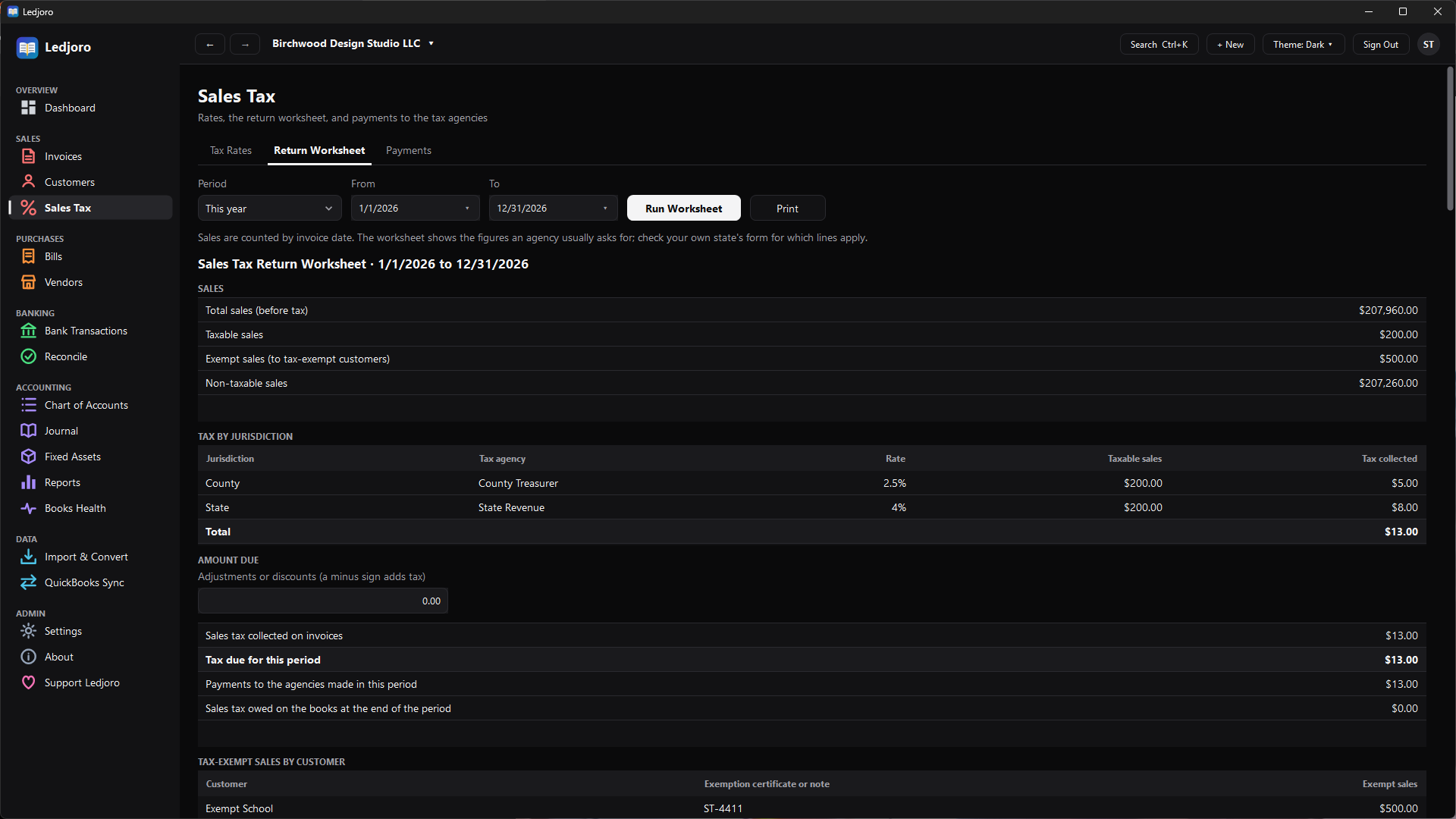
- Sales tax: rates, tax-exempt customers, and a return worksheet
Bank and books
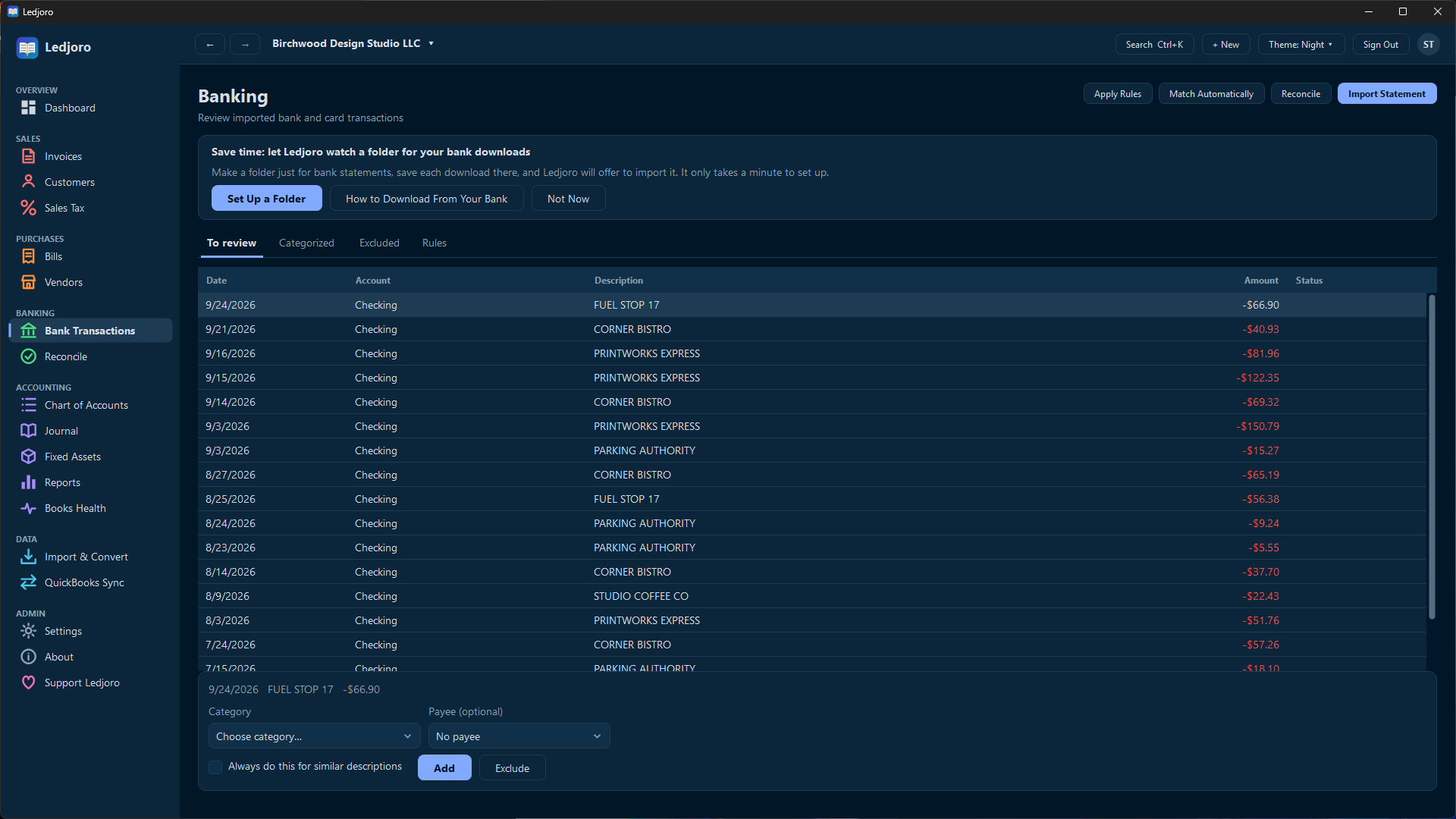
- Import bank statements and review each line
- Reconcile against a statement to the cent
- Double-entry ledger underneath, with an audit trail
Reports
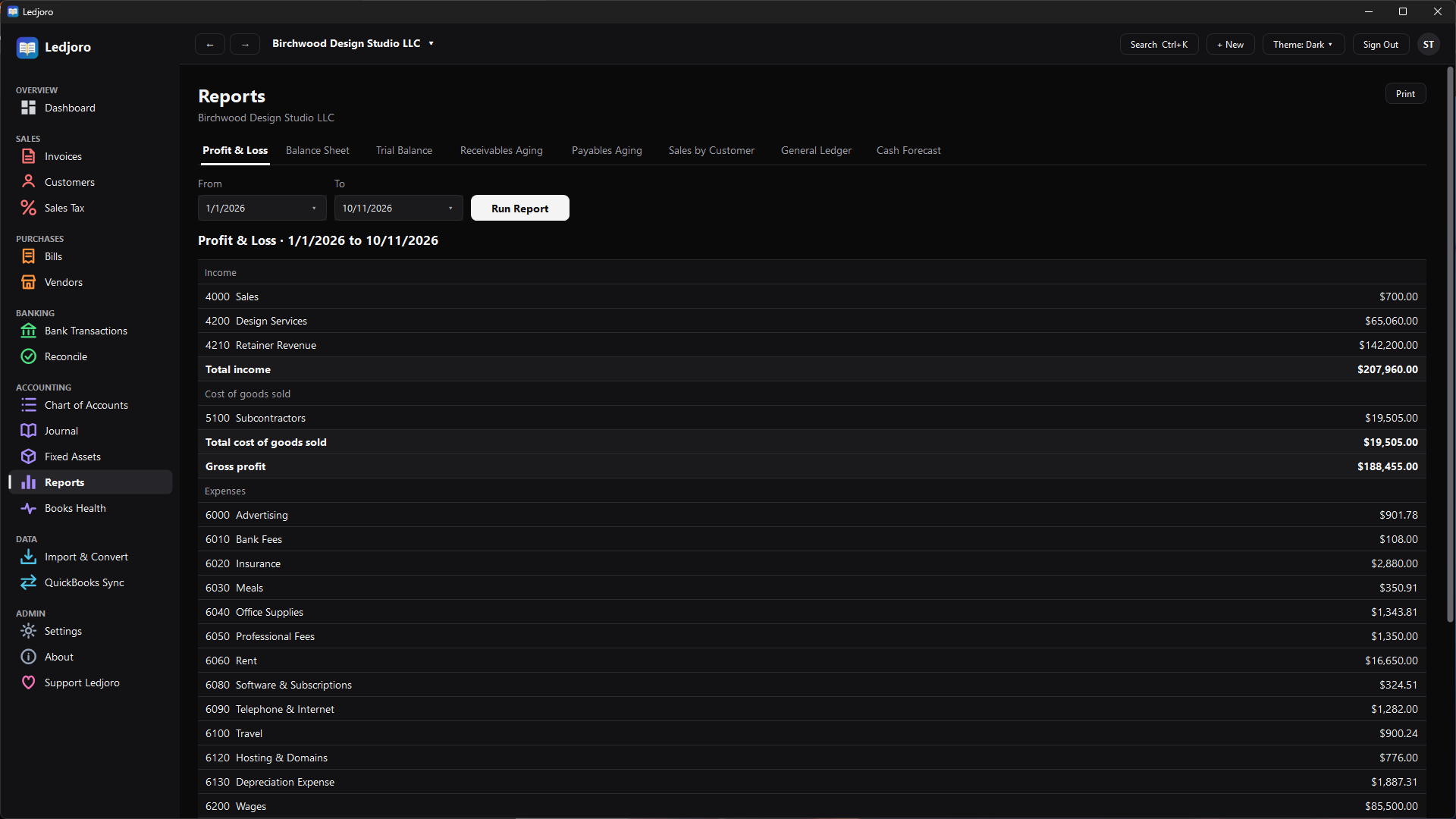
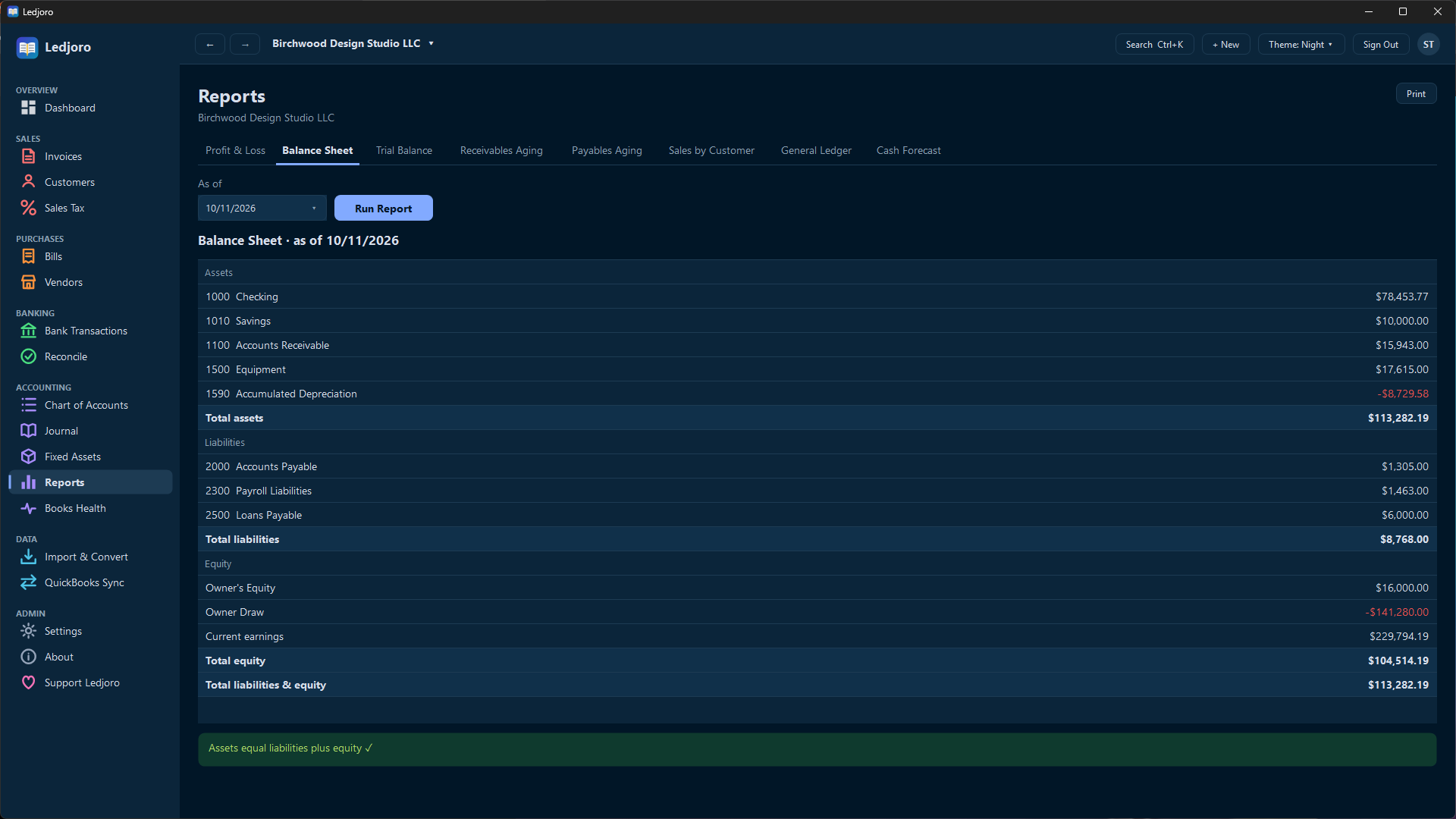
- Profit and loss, balance sheet, trial balance
- Receivables and payables aging
- General ledger, sales by customer, cash forecast
Coming from QuickBooks
- Import your lists and transactions from exports
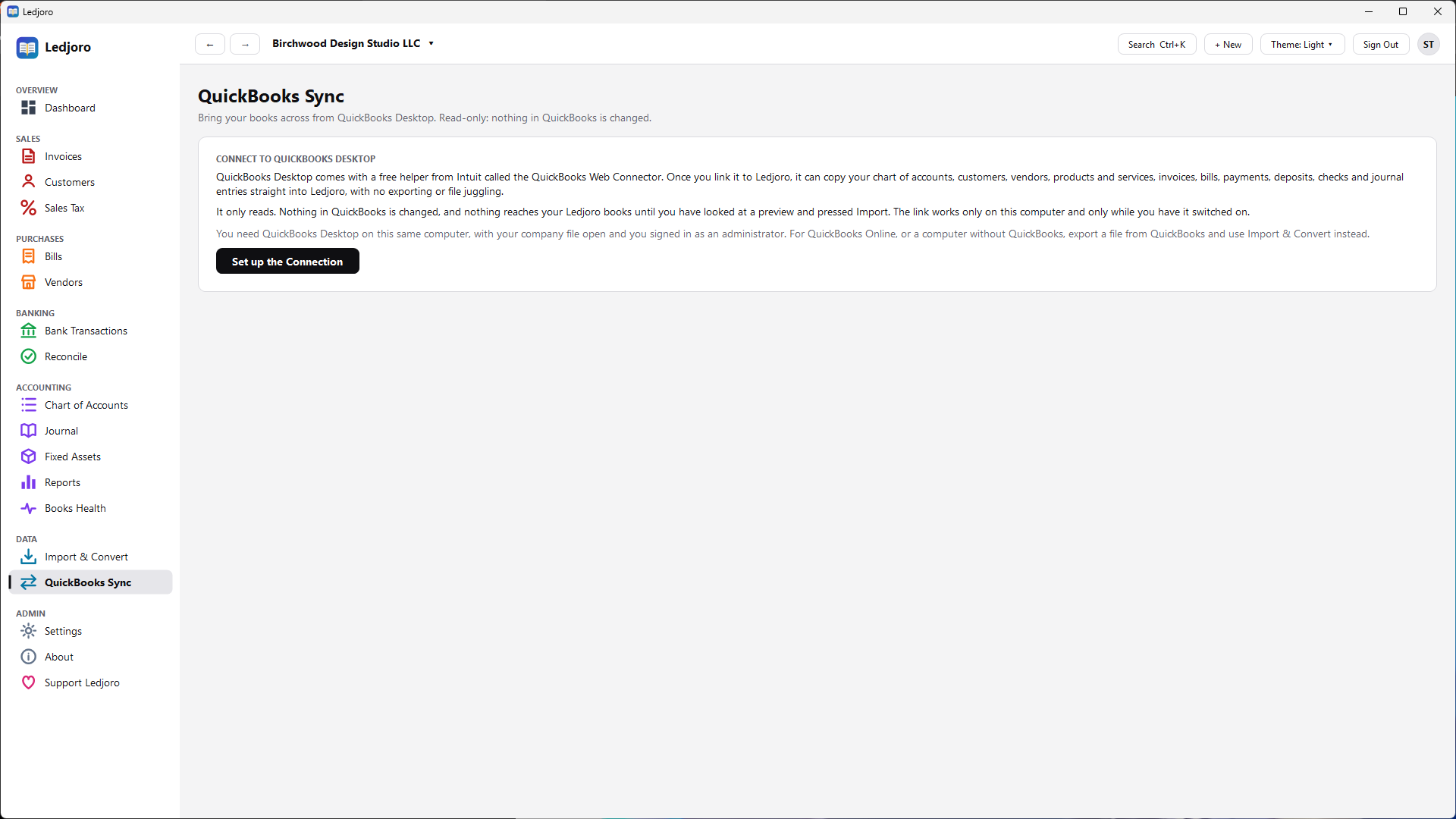
- Sync from QuickBooks Desktop through its Web Connector, read-only, with a preview first
Private and safe
- Everything stays on your computer; nothing is uploaded
- Backups locked with your recovery key, with automatic backups
- Passkey sign-in, users and roles
Comfortable to use
- Light, Dark and Night themes, and larger text
- Search everything with Ctrl+K
- Several companies in one program
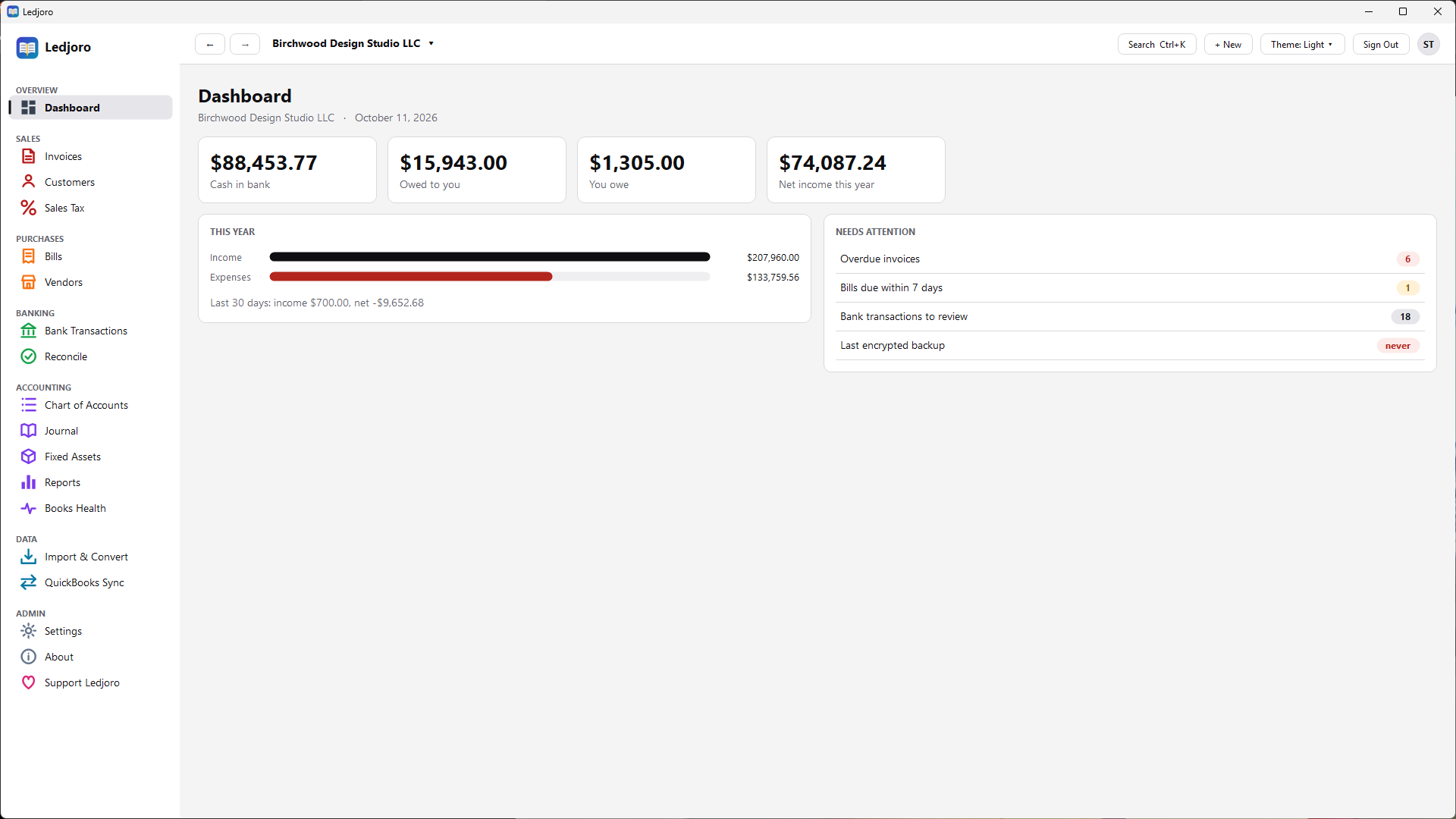
A look inside
Click a picture to see it full size. All of the data shown is made up.
Get started
- Download
Ledjoro.exefrom the releases page and save it somewhere you can write to, such asC:\Ledjoro. - Run it. Windows may say it protected your PC because the program is not code-signed with a Windows certificate yet. Choose More info, then Run anyway.
- Create your account and print or save the sign-in sheet. It holds your password and a one-time recovery key.
Your books are kept in a Ledjoro-Data folder beside the program, so moving to another computer is a copy.
Please read: it is a beta
Ledjoro works and has been tested a great deal, but it is a beta. It has not yet been used on many real companies and has not had an independent security review.
Keep your own backups, and have an accountant look over your books before you rely on them. It does not do payroll or inventory yet.
Questions
Is it really free?
Yes. Every feature is included and there is no paid version. It is open source under the GNU Affero General Public License 3.0 or later. If it helps you, you can buy me a coffee, but that is entirely optional and changes nothing.
Where is my data?
In a file on your own computer, in a folder called Ledjoro-Data next to the program. Ledjoro does not upload your books, has no account system, and sends no usage data. The only time it contacts the internet is when you click Check for Updates.
Can it replace QuickBooks for my business?
For many very small businesses that invoice, pay bills, reconcile the bank and file sales tax, it may. It does not do payroll, inventory or QuickBooks Online syncing yet, and it is a beta, so test it alongside your current system before you switch. You can import your lists and history from QuickBooks exports, and sync from QuickBooks Desktop.
Does it work with QuickBooks Online?
Not directly. You can export files from QuickBooks Online and import them into Ledjoro. The live sync is for QuickBooks Desktop, which provides a free tool for it called the Web Connector.
What about Mac and Linux?
Ledjoro is Windows only for now. Mac and Linux versions are being considered.
How do updates work?
Open About in the program and click Check for Updates. It installs a new version only if it carries Ledjoro's release signature, and it keeps your old copy as a backup next to the new one.
Can I check the source code?
Yes, all of it is at github.com/Tusivo/Ledjoro. You can also report problems there, or write to info@tusivo.com with a feature idea.